How to Prepare Artwork for Professional Printing: A Simple Guide
You’ve finished the design, everything looks good on screen and you’re ready to send it to the printer.
But is the artwork actually ready to print?
Professional printing has requirements that aren’t always obvious when you’re creating something on a computer. Image resolution, bleed, colour, fonts and the final document size can all affect the finished result.
The good news is that you don’t need to become a print technician to understand the basics.
This guide explains the key things to check before sending artwork to Print Juice or another professional printer.
Four Things Every Print File Needs
What Does 'Print-Ready Artwork' Mean?
Print-ready artwork is a file prepared so that it can move into print production without needing significant changes to the design or technical setup.
The exact requirements can vary according to the product and production process, so it’s always sensible to check the specification for the particular job.
A business card and a large PVC banner, for example, are very different products even though both start life as digital artwork.
However, there are several principles that apply to most professionally printed material.

1. Start With the Correct Document Size
Before designing anything, establish the intended finished size.
It sounds obvious, but designing at the wrong dimensions can create problems later — particularly when artwork needs to be enlarged or its proportions changed.
For common printed products there may be established sizes, while banners, boards, signage and other large format work can have project-specific dimensions.
If you’re unsure about the appropriate size, speak to your printer before spending hours building the artwork.
2. Understand Bleed and the Trim Line
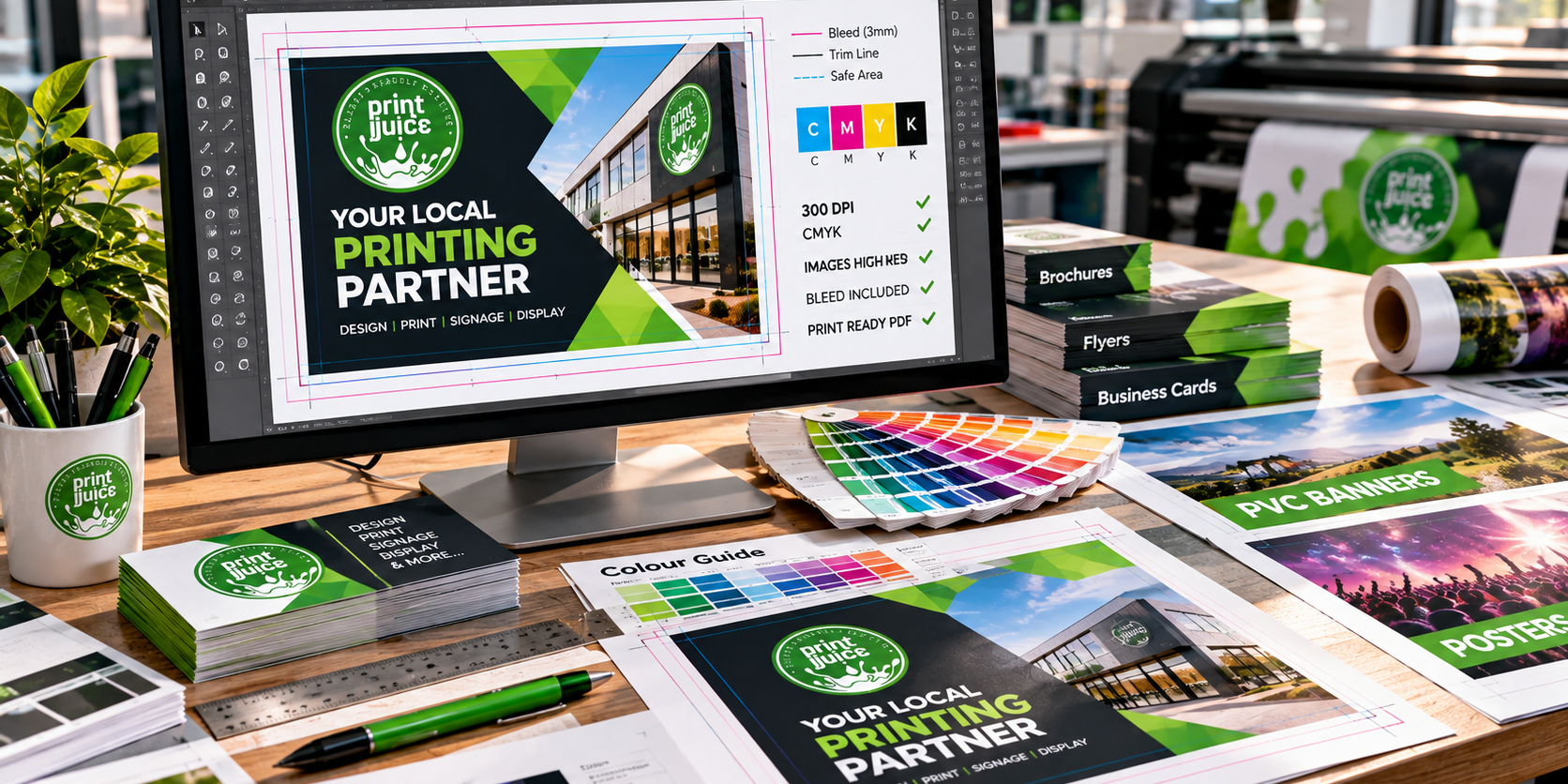
If a colour, photograph or graphic is intended to run all the way to the edge of the finished page, the artwork will normally need bleed.
Bleed means extending those elements beyond the final trim line.
Why?
Because printed sheets are trimmed during production. Extending the background beyond the trim gives the production process room to cut the finished piece without risking an unwanted white line appearing along the edge.
The amount of bleed required can depend on the product and printer’s specification, so don’t simply assume one setting is correct for every job.
3. Keep Important Content Away From the Edge
Bleed extends backgrounds and images beyond the trim. Important text and logos generally need the opposite treatment.
Don’t position a telephone number, website address or essential piece of text directly against the trim line.
Giving important content a sensible margin from the edge improves both production safety and the appearance of the design.
In simple terms: backgrounds can extend out; important information should stay comfortably in.
Not Sure Whether Your Artwork Is Ready?
If you’re planning a print job and aren’t sure whether your artwork is suitable, send the best original files you have. Print Juice can discuss the project with you before it goes into production.
4. Use Images With Enough Resolution
One of the most common artwork problems is an image that looks fine on screen but doesn’t contain enough information for the intended printed size.
A small photograph from a website can look sharp when displayed at a few hundred pixels wide. Enlarge the same image substantially for print and the lack of detail can become obvious.
Where possible, use the original, highest-quality version of the photograph rather than a screenshot, thumbnail or image downloaded from social media.
And don’t assume that simply changing a low-resolution file to a higher resolution setting creates new detail. It doesn’t magically restore image information that wasn’t there to begin with.
5. Use Vector Logos Where Possible
Logos, icons and many illustrations are ideally suited to vector artwork.
Unlike a pixel-based image, vector artwork is built from mathematical shapes and paths. That means it can generally be scaled from a business card to a much larger graphic without becoming blocky in the same way as a small raster image.
If a designer created your logo professionally, you may already have vector versions among the original brand files.
Keep those originals safe. They can be extremely useful when producing signage, advertising boards, banners and other large-format graphics.
6. Remember That Screens and Print Produce Colour Differently
One of the biggest sources of confusion in printing is colour.
Your monitor produces colour using light. Printed colour is created physically on a printed surface. They are fundamentally different ways of producing an image.
On top of that, different screens can display the same file differently depending on their settings.
This is why the colour you see on a laptop or phone shouldn’t automatically be treated as an exact physical proof of how the finished print will appear.
If accurate brand colour reproduction is particularly important to a project, discuss that requirement with your printer before production.
7. Don't Forget About Fonts
Your artwork might use fonts that aren’t available on another computer.
A properly prepared print PDF can help preserve the intended appearance, while professional design software also provides methods of packaging or converting text where appropriate.
The important point is to avoid sending an editable file that relies on missing fonts and assuming it will automatically appear exactly as it does on your own machine.
8. Is PDF the Best Format for Printing?
A correctly prepared PDF is commonly used for professional print because it can package the layout into a predictable document rather than relying on the recipient having the same software setup.
However, simply clicking Save as PDF doesn’t guarantee that a file is print-ready.
The document still needs the correct size, suitable images, appropriate bleed where required and the right export settings for the job.
When your printer supplies an artwork specification, use that rather than relying on a generic internet setting.
Different Print Products Need Different Artwork
9. Proofread the Content — Then Proofread It Again
A printer can produce exactly what you’ve supplied — including a typo.
Before approving the final artwork, check every piece of information that would be inconvenient or expensive to get wrong.
- Telephone numbers
- Email addresses
- Website addresses
- Names and job titles
- Dates and times
- Prices
- Postal addresses
- Product codes
- Spelling and punctuation
- QR codes
It’s also worth asking somebody who hasn’t been involved in creating the artwork to check it. A fresh pair of eyes can spot things the designer has stopped noticing.
10. Test QR Codes Before Going to Print
QR codes can connect printed material directly to websites, contact pages, booking systems, menus and other online content.
But once you’ve printed hundreds or thousands of copies, discovering that the code leads to the wrong page is a fairly painful mistake.
Scan every QR code from the final artwork and confirm that it opens the intended destination.
It’s also sensible to test it on more than one device where possible.
Common Artwork Problems to Avoid
- Sending a tiny logo copied from a website.
- Using screenshots instead of original images.
- Creating artwork at the wrong dimensions.
- Forgetting bleed on designs that run to the edge.
- Putting important text too close to the trim.
- Using images that aren’t suitable for the final printed size.
- Assuming colours on a phone screen are an exact print proof.
- Sending editable files that rely on unavailable fonts.
- Forgetting to check contact details.
- Not testing QR codes.
- Approving the artwork without a final proofread.
Print-Ready Artwork Checklist
- Is the document the correct finished size?
- Has the required bleed been included?
- Are important elements safely inside the trim?
- Are photographs suitable quality for the intended size?
- Are logos supplied in the best available format?
- Have fonts been handled correctly?
- Has the artwork been exported using suitable print settings?
- Are all telephone numbers, emails and URLs correct?
- Have prices, dates and names been checked?
- Do all QR codes work?
- Has somebody else proofread the final artwork?
- Are you looking at the final version rather than an earlier draft?
Ready to Send Your Project to Print?
Print Juice provides professional digital and large format printing for businesses and organisations, from business cards, flyers and brochures to posters, banners, boards and signage.
Based near Bishop’s Stortford, we’re a family-run print business with decades of industry experience.
Call 01245 860 550 or send us your project details and we’ll help you get your artwork and print moving in the right direction.